Today, we are going to discuss the "How to share information with screen captures and descriptionsHere is a note about "The
My work environment is characterized by,We do a lot of work from home, we have a lot of customers (for individuals) that we associate with, and we have a lot of cooperating subcontractors. And.I use Skype and Hangouts depending on the client/situation, and that's where the biggest problem comes in.Work hours often do not match those of others. That is to say.
Meetings using web services require both parties to be there at that time. Some people just want to explain things, but they have to schedule their time together, and I feel that is not productive. (Or rather, it's bad.)
So today,Methods that can be used for one-sided explanations or just to communicate. Note the following.
Combination of Bandicam and description
There is one software to use.Bandicam (screen capture software).
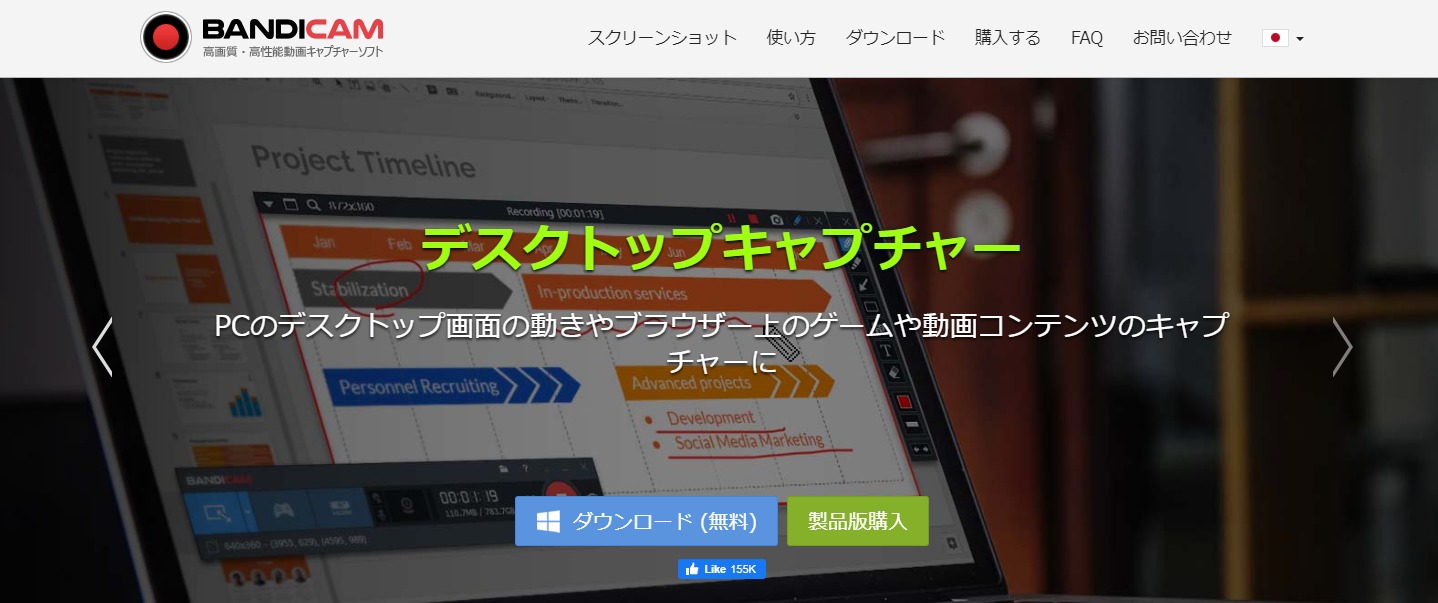 This Bandicam is,Software that can convert video and audio on a PC screen into video data. will be.
The steps from screen capture to publication are as follows
The flow from screen capture to information sharing is as follows
- Bandicam Launch
- Select the recording area (you can also select the recording area on the PC screen)Super Convenient
- Record it (in my case, I'm taking instructional videos as I speak)
- Upload recorded data to a shared folder without conversion
- Tell them that you're up.
It is. I use this to teach subcontractors and to shoot videos of drawing checks. I can have them watch it at their preferred time, but I still think that the advantages of explaining things on video areIt's really good because I can explain things in my own time and convey both nuance and volume to the other person. It is.
Other Methods
Video is up for limited release.
For information exchanges that are not confidential, you can also use Youtube's limited public access to the content of the exchange.There are three types of videos as follows, so we need to figure that out first.
Citation:From the video privacy settings
- Public Video:Public videos can be viewed and shared by all users.
- Private videos: Videos and playlists set to private can only be viewed by you and the users you specify.
- Limited release video:Videos and playlists set to Limited Public can only be viewed and shared by users who know the link.
Above.Make it a limited public video and send the URL created there by pasting it into an email or line.I will do so.
A video of me actually doing it:https://youtu.be/mOgzS4IvCSw
Supplement: How to upload a video longer than 15 minutes on Youtube
It takes a long time to explain the structure and specifications of a machine. Conversely, if you wanted to convey that much volume in writing, it would no longer be possible.
The advantage of using video to communicate with words is that it conveys atmosphere. However,Youtube by default does not allow videos longer than 15 minutes to be uploaded. for that reasonOpen to upload videos longer than 15 minutes. The following is a list of the most important factors that need to be taken into account.It's easy to do, just identify yourself. We encourage you to do it.
Finally.
This was the method I use today to share information, but if you haven't used screen captures yet, please do!Bandicam Give it a try. It is not expensive and highly recommended.
That's it.